
Bulk Upload
Drop hundreds of scans or exports — JPG, PNG, WebP, and more. No manual prep required.
Batch solutions museum
Colorize your family tree in one go. Specialized in processing large-scale historical archives with consistent skin tones.
Genealogy preview
Sample 1 of 5: A family photo of four generations
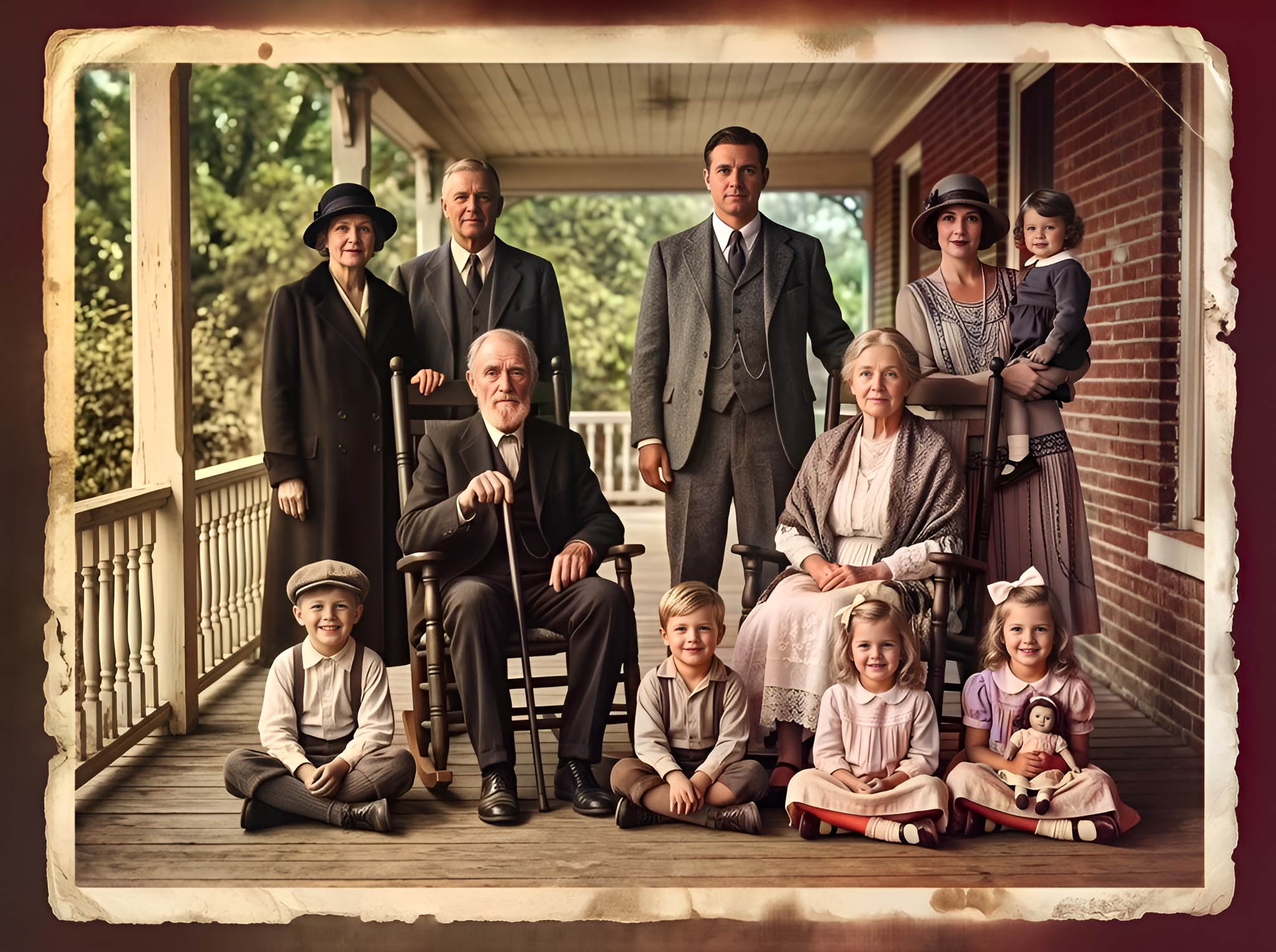
More Genealogy examples — click or browse the carousel
Drop hundreds of scans or exports — JPG, PNG, WebP, and more. No manual prep required.
Each file runs through the Large model in sequence. Track pending, running, and done in the grid.
Grab every finished PNG in a single archive — ready for relatives, print shops, or your CMS.
Our AI maintains visual consistency across your entire batch, ensuring everyone in the same album has matching skin tones — the hardest part of large heritage projects.
Process 100+ photos in under 5 minutes. Batch mode is how studios, genealogists, and archives turn folders into deliverables without babysitting every file.
Drop scans below — every file uses the Large model with base colorization (1 credit per success). Smart Damage Repair and AI Clarity Boost are available on the single-image workbench.
Sign in with Google to get 10 permanent credits.
Plus 1 free credit every day.
Bulk upload — images or folders
or
Running a big project? The Archive Pro pack ($34.99) is perfect for batch processing up to 500 photos at the lowest unit cost.
Expert insight
Family trees rarely mean ten similar portraits — they mean hundreds of scans across generations, cameras, and paper stocks. The real challenge is keeping cousins, parents, and elders in the same album visually coherent, not painting one face correctly. Pixomax batch mode runs every file through the Large model with heritage-tuned skin tones, so a 200-photo export does not look like 200 different filters. Queue the folder, review the grid, and deliver one ZIP to relatives or your archive CMS.
Vertical guide: Family Heritage & Genealogy — Pixomax Studio batch colorization for genealogy archives.