
Bulk Upload
Drop hundreds of scans or exports — JPG, PNG, WebP, and more. No manual prep required.
Batch solutions museum
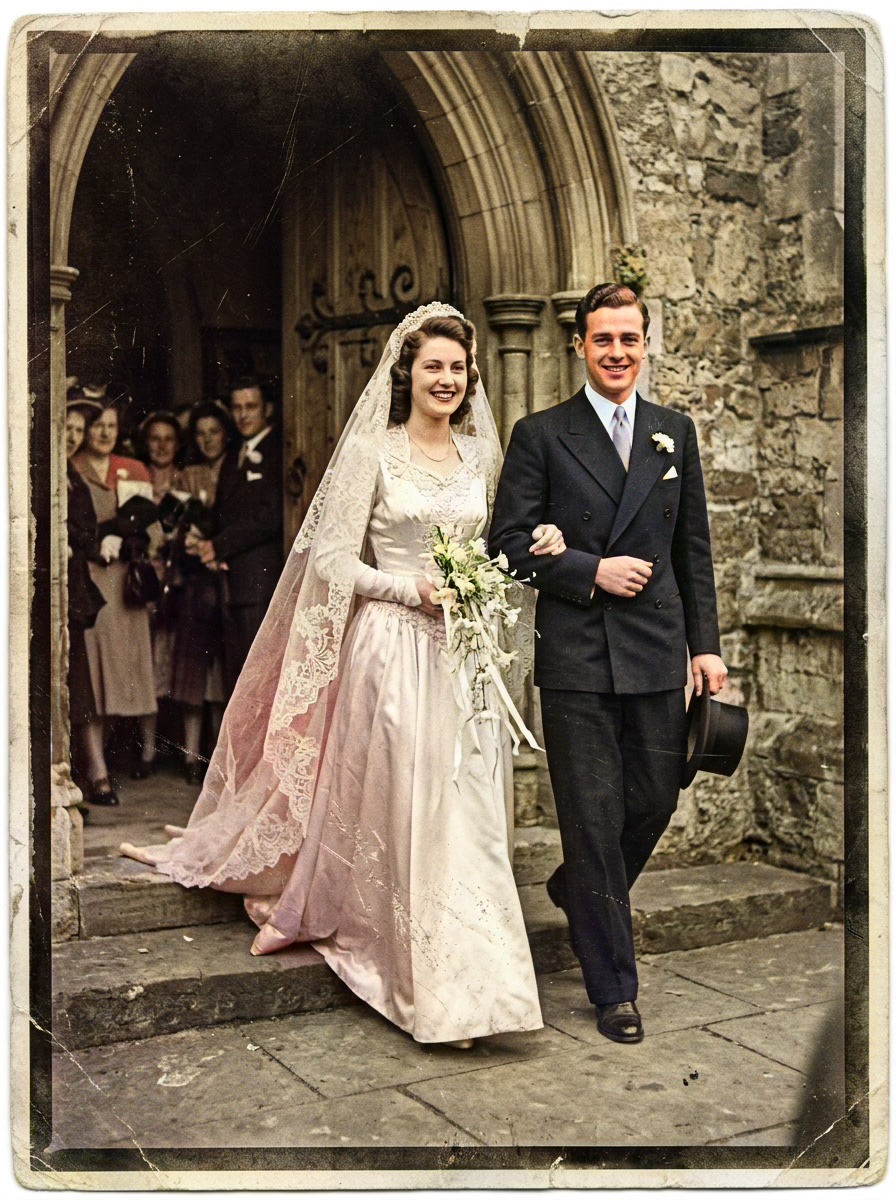
Restore the elegance of vintage weddings. Our AI handles lace textures and bouquet colors with museum-grade precision.
Wedding preview
Sample 1 of 5: Wedding photos in front of the church
More Wedding examples — click or browse the carousel
Drop hundreds of scans or exports — JPG, PNG, WebP, and more. No manual prep required.
Each file runs through the Large model in sequence. Track pending, running, and done in the grid.
Grab every finished PNG in a single archive — ready for relatives, print shops, or your CMS.
Our AI maintains visual consistency across your entire batch, ensuring everyone in the same album has matching skin tones — the hardest part of large heritage projects.
Process 100+ photos in under 5 minutes. Batch mode is how studios, genealogists, and archives turn folders into deliverables without babysitting every file.
Drop scans below — every file uses the Large model with base colorization (1 credit per success). Smart Damage Repair and AI Clarity Boost are available on the single-image workbench.
Sign in with Google to get 10 permanent credits.
Plus 1 free credit every day.
Bulk upload — images or folders
or
Running a big project? The Archive Pro pack ($34.99) is perfect for batch processing up to 500 photos at the lowest unit cost.
Expert insight
Bridal archives mix lace filigree, satin speculars, and subtle blush that generic AI flattens into plastic pink. A credible wedding workflow must separate ivory lace from white gowns and keep bouquet greens believable under soft studio light. Pixomax is tuned for portrait-heavy albums — batch an entire proof sheet or heirloom wedding book, preserve veil highlights, and download every finished frame in one ZIP for print or sharing.
Vertical guide: Wedding & Romance Archive — Pixomax Studio batch colorization for wedding archives.