
Bulk Upload
Drop hundreds of scans or exports — JPG, PNG, WebP, and more. No manual prep required.
Batch solutions museum
High-accuracy restoration for military uniforms and historical landmarks. Batch process thousands of records at once.
Military preview
Sample 1 of 5: Air Force pilot wearing medals
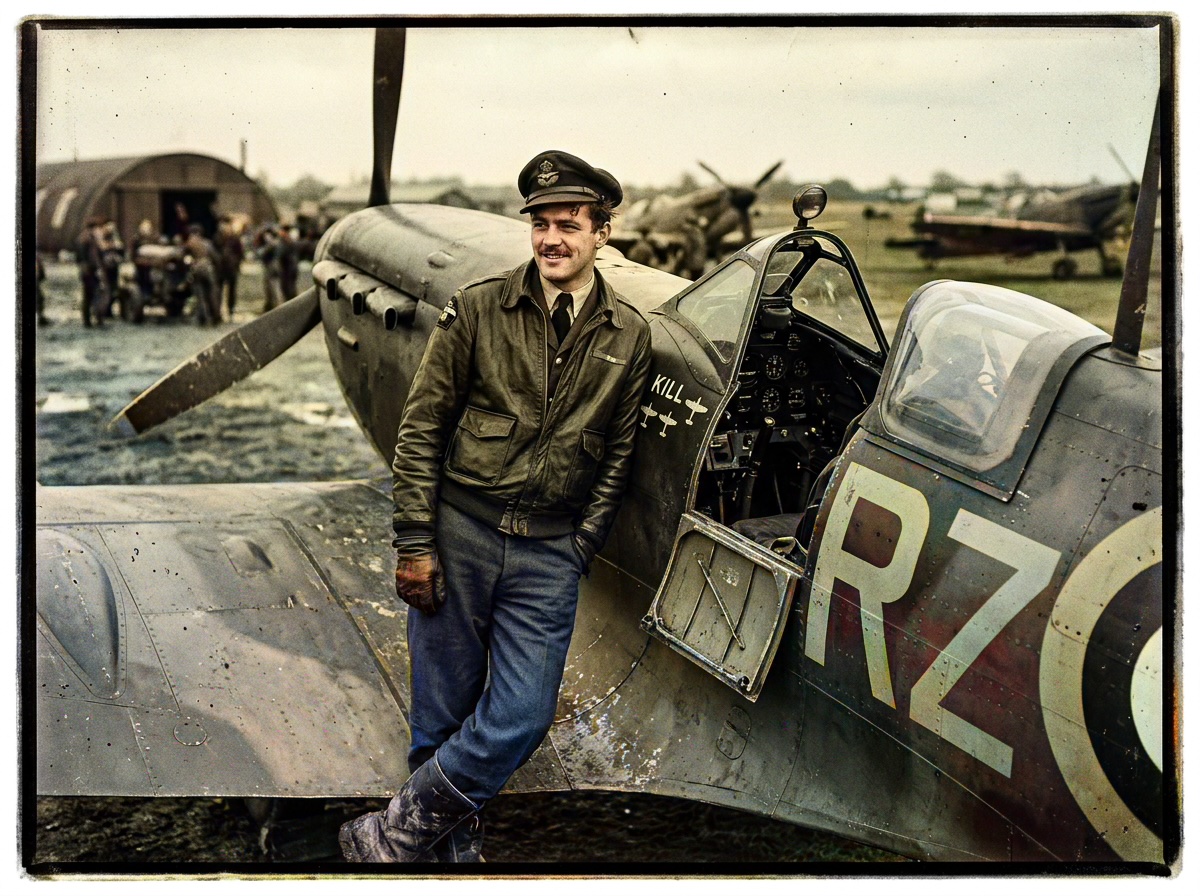
More Military examples — click or browse the carousel
Drop hundreds of scans or exports — JPG, PNG, WebP, and more. No manual prep required.
Each file runs through the Large model in sequence. Track pending, running, and done in the grid.
Grab every finished PNG in a single archive — ready for relatives, print shops, or your CMS.
Our AI maintains visual consistency across your entire batch, ensuring everyone in the same album has matching skin tones — the hardest part of large heritage projects.
Process 100+ photos in under 5 minutes. Batch mode is how studios, genealogists, and archives turn folders into deliverables without babysitting every file.
Drop scans below — every file uses the Large model with base colorization (1 credit per success). Smart Damage Repair and AI Clarity Boost are available on the single-image workbench.
Sign in with Google to get 10 permanent credits.
Plus 1 free credit every day.
Bulk upload — images or folders
or
Running a big project? The Archive Pro pack ($34.99) is perfect for batch processing up to 500 photos at the lowest unit cost.
Expert insight
It requires identifying specific uniform shades like Olive Drab, Navy Blue, and khaki drill — not generic greens. Insignia, ribbons, and stone facades in parade or street scenes also need stable contrast after colorization. Pixomax AI is tuned for these historical palettes, so batch runs across regiment photos, service records, or museum holdings stay consistent. Upload thousands of scans, track progress, and export one ZIP for exhibits or digital collections.
Vertical guide: Military & Historical Records — Pixomax Studio batch colorization for military archives.